Know what you have, where it is and what is leaving today
Stock counts that match the shelf, movement history you can audit, and a clear record of every consignment that leaves the warehouse.
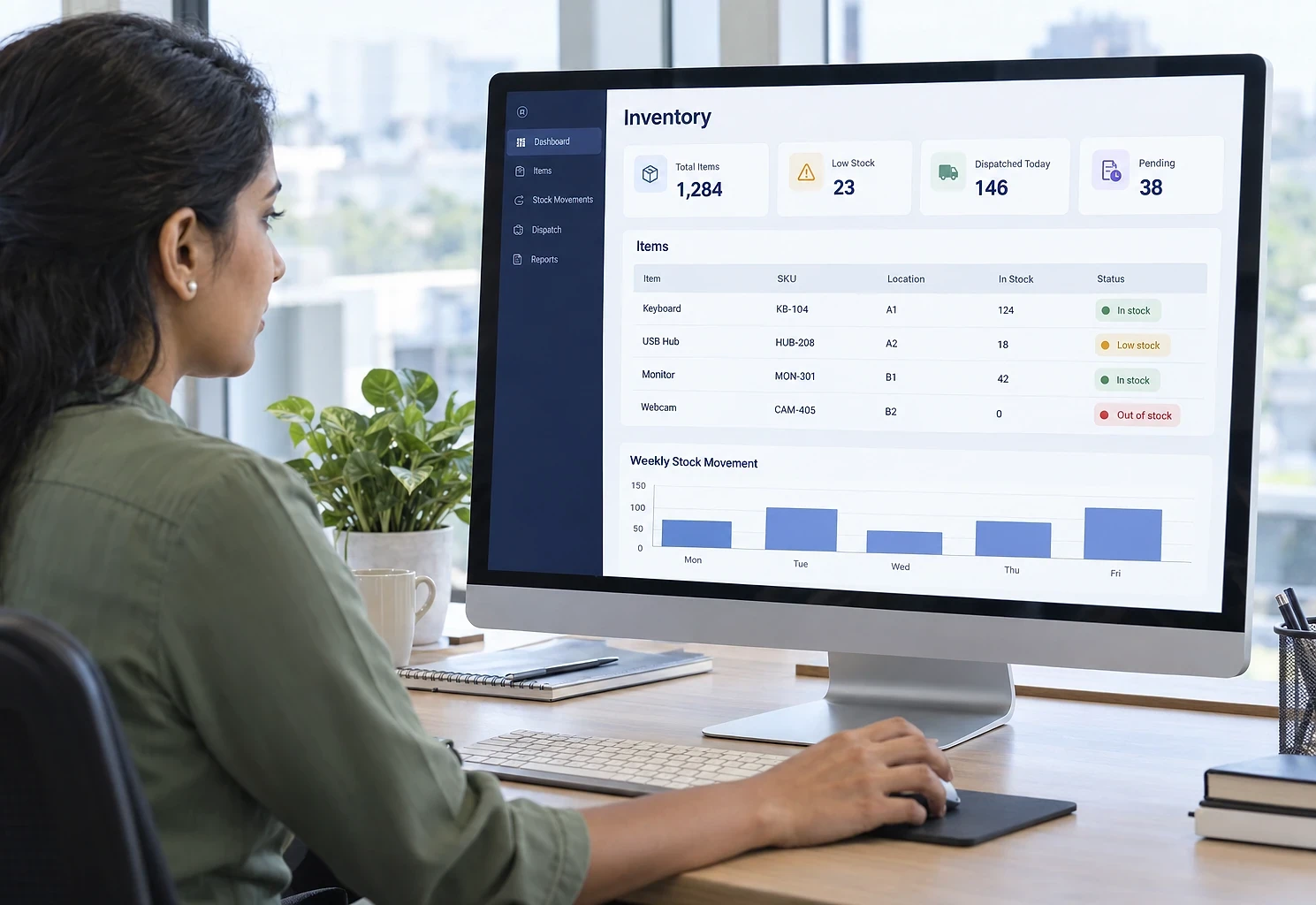
- First module built in
- 4 to 8 weeks
- Locations
- Every godown, branch and store
- Scanning
- Barcode or QR from a phone
What this addresses
Inventory problems are rarely about counting; they live in the gap between when something moves and when the record catches up.
- The stock figure on screen does not match what is on the shelf
- Fast-moving items run out before anyone notices they are low
- Slow-moving stock ties up money and is only discovered at year end
- Each location keeps its own list in its own format
This system covers stock and the warehouse. If orders, customers and invoicing are the bigger problem, start with order management and add this as phase two.
How it is put together
A stock ledger where every movement is a recorded transaction rather than an overwritten number, so the current position is always explainable. Outward movements are tied to a dispatch record, so you can see what left, when and on which vehicle or courier.
What the system contains
Modules are delivered in phases, starting with the one that removes the most work. You own the finished system, code and data included.
- 01
Item master and labels
Products with codes, categories, units, batch or serial tracking where required, and barcode or QR labels you can print and scan from a phone.
- 02
Stock movements
Inward, outward, transfer, adjustment and return, each recorded with a reason and a user, so any figure can be traced back.
- 03
Locations and transfers
Separate positions per warehouse, branch, store or godown, with transfers tracked as in transit until received.
- 04
Reorder alerts
Minimum levels per item and location, with alerts before stock runs out rather than after.
- 05
Stock counts
Physical count entry with variance reporting, so differences are identified, explained and corrected properly.
- 06
Dispatch from the warehouse
Consignments with items, quantities, vehicle or courier details and status from packed to delivered, plus stock valuation and fast and slow mover reports.
Who it suits, and how it adapts
Integration effort depends on what each system offers. We assess it before quoting.
Who this suits
- Distributors and wholesalers with several storage locations
- Manufacturers tracking raw material and finished goods
- Online sellers who need website stock to match the warehouse
- Pharmacies and clinics tracking medicines with expiry dates
- Any business currently running inventory on a shared spreadsheet
What it can connect to
- Order management or online store for automatic stock deduction
- Accounting systems for stock valuation and purchase records
- Handheld scanners or phone cameras for barcodes
- Courier services for delivery status
How it can be customised
- Batch, lot and serial number tracking where required
- Expiry date tracking for perishable or dated goods
- Unit conversion for items bought and sold in different units
- Approval for stock adjustments above a threshold
- Valuation method: FIFO, weighted average or standard cost
From first call to first module
The first module is usually built in 4 to 8 weeks. Durations depend on scope, integration complexity and how quickly access and decisions are available.
- 0145 min
Free scoping call
How stock is recorded today, where the differences come from and which items matter most.
- 023-5 days
Item and location structure
Item master, location structure and movement types defined against how you operate.
- 034-8 weeks
Build and import
System built and opening stock imported from your existing records after a verification count.
- 042-3 weeks
Go live with checks
Live use with periodic counts in the first weeks to confirm the system and the shelves stay aligned.
Inventory & Dispatch Tracker questions
Hosting, backups and updates after launch:
Cloud Hosting & SupportNot covered here?
Ask us directlyDo we need barcode scanning?
Not necessarily. Barcodes reduce entry errors and speed up picking, which matters at higher volumes or with similar-looking items. For tens of movements a day, a well-designed entry screen is often enough. We can build for manual entry now and add scanning later without rework.
How do we handle the difference found at the first physical count?
It is recorded as an opening adjustment with a reason, not quietly overwritten. That gives you a clean starting position and starts the habit of explaining differences rather than absorbing them.
Can it keep our website stock in sync?
Yes. Stock levels can be pushed to your online store when they change. Reserving stock when an order is confirmed rather than when it is dispatched is what prevents overselling, and we design that behaviour with you.
Is this the same as the Order Management System?
No. This one is about stock and the warehouse: what you hold, where, and what left. Order management is about customers, order stages and invoicing. Many distributors start with orders and add this as the second phase; the two share one database when built together.
Does it need its own server, and who looks after it?
It runs on cloud hosting in your name, so it works from every godown and phone without a server on site. Backups, updates and fixes can be handled by us under our Cloud Hosting & Support service.
Around the inventory & dispatch tracker

Get your stock figure to match the shelf
Tell us how many locations you run and how stock is recorded today. We will suggest the item and location structure, and whether scanning is worth it at your volume.
The first conversation is free, with no obligation.