Business portals that take routine requests off your team's desk
When customers, vendors and staff can log in and see their own orders, documents and status, your team stops answering the same questions and starts doing the work only they can do.
- Typical timeline
- 10 to 18 weeks
- Usually built with
- Next.js, TypeScript, PostgreSQL
- You own
- Code, data and accounts, in your name
About business portal development
A portal is worth building at the point where a large share of your team's day is spent telling people things a screen could tell them. Where is my order. Has my payment been received. Which documents are still pending. When is the delivery. A portal replaces those interruptions with a page the person can check themselves, and quietly creates a complete record of every interaction along the way.
When a portal starts paying for itself
Usually a good fit for
- Businesses whose staff spend hours each day answering status queries by phone, email or WhatsApp
- Companies managing many vendors, dealers or channel partners with documents and payments
- Service businesses whose clients need visibility into ongoing work and shared files
- Organisations where information lives in individual inboxes rather than a shared system
- Businesses expanding beyond the point where a spreadsheet can coordinate work
Signs it is time
- The same status questions arrive every day and interrupt work that matters more
- Documents are scattered across email threads and personal drives
- There is no reliable record of what was shared with whom and when
- Vendors submit invoices and papers in inconsistent formats through inconsistent channels
- Approvals depend on someone forwarding an email to the right person at the right time
Portals we build
Customer portals
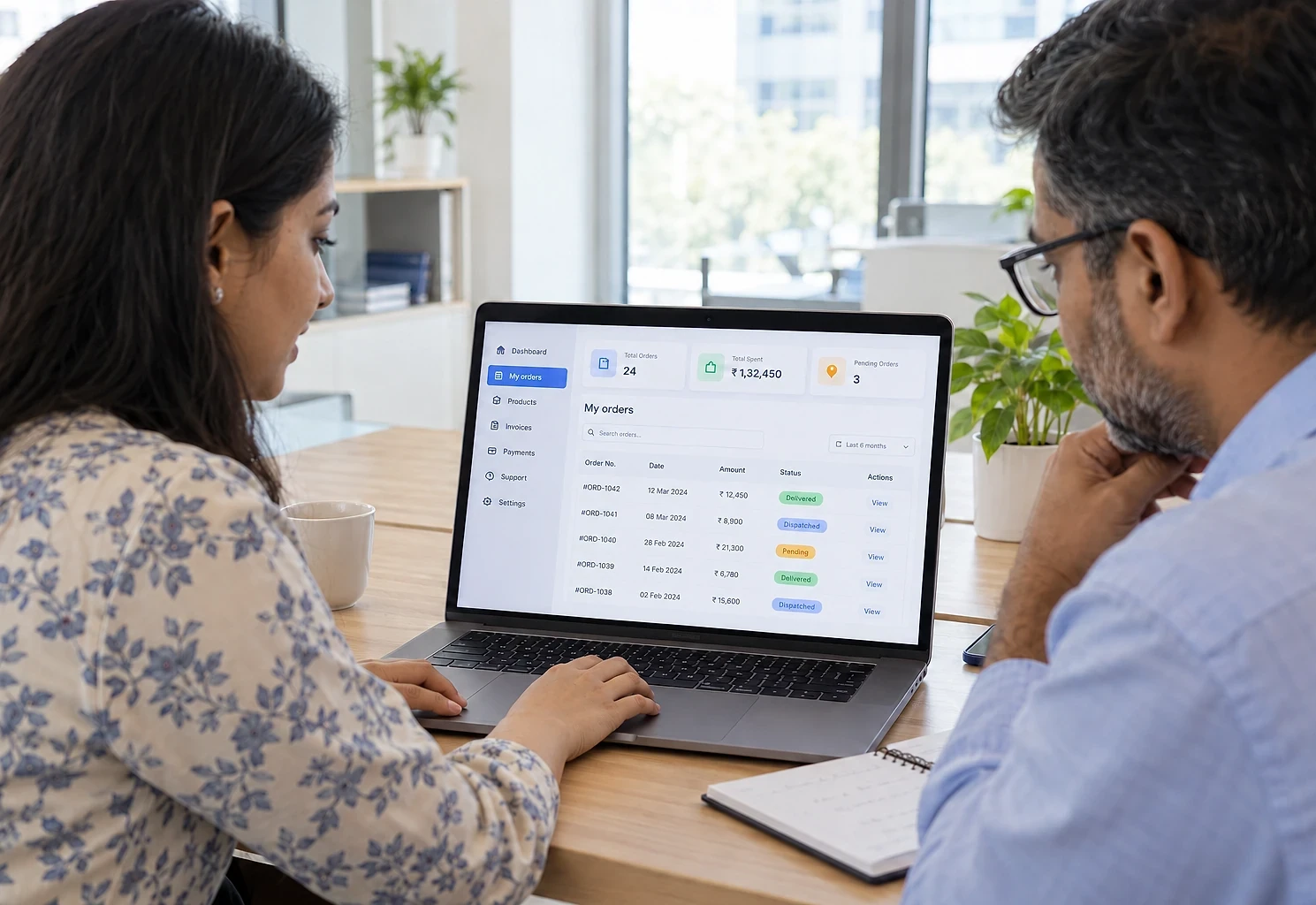
Order and service status, invoices and payment history, document downloads, support requests and a full record of past activity.
Vendor and supplier portals
Onboarding with document collection and expiry tracking, purchase order acknowledgement, invoice submission and payment status.
Dealer and channel partner portals
Order placement against agreed pricing, scheme and target visibility, claim submission and marketing collateral downloads.
Employee and internal portals
Attendance and leave, expense claims, document access, internal announcements and structured approval flows.
Client project portals
For service businesses: shared workspace with milestones, deliverables, approvals and a single place for project files.
Admin and operations console
The internal side of every portal: user management, role permissions, approvals queue, audit trail and operational reporting.
What's included in every portal
- Secure authentication with email, phone OTP or single sign-on
- Role-based permissions so each user sees only what they should
- Document upload, versioning, expiry reminders and controlled downloads
- Structured approval workflows with delegation and escalation
- Notifications by email, WhatsApp or in-app, configurable per user
- Complete audit trail of who did what and when
- Search and filtering across records, with saved views
- Bulk actions and CSV or Excel export for the operations team
- Self-service onboarding with a guided checklist
- Mobile-friendly layouts, because most portal users check on a phone
- 30-day bug-fix warranty after launch
Not included: third-party fees such as hosting, file storage, email sending, SMS or WhatsApp API charges and any single sign-on licences. These are billed to you directly at cost and estimated in the quote.
Tools we typically use
Final choice made during scoping.
- Application
- Next.jsTypeScriptPostgreSQL
- Sign-in
- Auth.jsMicrosoft Entra ID
- Files & notifications
- Amazon S3ResendWhatsApp Business API
How a portal project runs
Typical timeline: 10 to 18 weeks, depending on scope and how quickly access and content arrive.
- 011 week
Process mapping
We sit with the people doing the work and map how requests currently arrive, who handles them and where they get stuck. The portal is designed against reality, not the org chart.
- 023-5 days
Roles and data model
Who logs in, what each role can see and do, what records exist and how they relate. Written down and agreed before anything is built.
- 031-2 weeks
Screen design and walkthrough
Key screens designed and walked through with actual users. Changes at this stage cost minutes; the same changes after build cost days.
- 044-10 weeks
Phased build
Built in phases with a working version at the end of each. The most valuable module goes live first rather than everything landing at once.
- 052 weeks
Pilot with real users
A small group of real customers, vendors or staff use it with real data while the old process still runs alongside.
- 061-2 weeks
Rollout and training
Staged rollout, a short training session per user group, a simple user guide, and our 30-day bug-fix warranty from launch.
Planning a customer, vendor or staff portal?
Tell us about it. You get a written scope and a fixed price, with no obligation.
How our fixed quotes and payments work →What a portal changes for your team
What tends to happen, not a guarantee.
- 1
Fewer interruptions
Status queries that used to arrive by phone become a page the customer checks themselves, which is faster for them too.
- 2
Documents you can find in seconds
Files, approvals and history live in one place with an audit trail, instead of across personal inboxes and drives.
- 3
Faster approvals
Requests route to the right person automatically and escalate when they sit too long, instead of waiting for a follow-up.
- 4
A more professional impression
Giving customers and vendors a proper login area signals that the business is organised, which matters when you are competing for larger accounts.
- 5
Capacity without headcount
The same team handles more customers or vendors because the routine coordination is handled by the system.
How is a portal different from a website?
A website is public and mostly explains things. A portal is behind a login and lets people do things: check their own orders, upload documents, submit requests, approve items. If your visitors need to see information specific to them, you need a portal. We wrote a longer comparison in our insights section.
Will my customers or vendors actually use it?
They use it when it is genuinely faster than phoning you. That means it must work well on a phone, require no training, and show them something they cannot get as quickly any other way. We design for that and pilot with a small group first. Adoption is also helped by gradually routing routine requests to the portal rather than switching overnight.
Can it connect to our existing ERP or accounting software?
Usually yes. If your system has an API, we connect directly so the portal reflects live data. If it does not, we use scheduled imports or a database view. Tally, Zoho, SAP, Busy and most common systems have a workable path, though the effort varies considerably and we assess it during scoping.
How secure is it?
Access is controlled by role, so users only see their own records. Passwords are hashed, sessions expire, uploads are validated and served through signed URLs, and every significant action is logged. For portals handling sensitive data we can add two-factor authentication, IP restrictions and stricter session policies.
What does a portal typically cost?
It depends mainly on how many roles log in and how many systems it connects to. A portal with one user type and a few core screens is a modest project; multi-role portals with approval workflows, ERP integration and document management are larger. After a free scoping call you get a fixed, written quote, and most clients start with one module and add the next once it is in use.
Can we start small and add modules later?
That is the approach we recommend. Pick the one thing that consumes the most of your team's time, build that properly, get it adopted, then add the next module. It reduces risk, spreads cost and means you see value in weeks rather than months.
Ready-made portals you can start from
Customer Portal
A login area where customers check their own orders, invoices, documents and requests.
Vendor Portal
Structured vendor onboarding, document tracking, purchase order acknowledgement and invoice submission.
Employee Management Portal
Attendance, leave, documents, expenses and approvals in one place staff can reach from a phone.
Approval Workflow System
Route requests to the right approver automatically, with delegation, escalation and an audit trail.

Talk to us about business portal development
Tell us what the work looks like today and what is not working. We will come back with what we think it involves, a realistic timeline and a fixed price.
The first conversation is free, with no obligation.